Prepare tutoring sessions faster, at each pupil's level
Turn your own worksheets into new practice and make the same material easier or harder for the pupil in front of you. The AI suggests, you decide.
Try for free- The free plan is enough to start
- No credit card needed
- First material in under 15 minutes
What changes in your session prep
Whether you tutor 11+, GCSE maths or A-level chemistry, you know what your pupil needs next. Bruukki drafts the material; the judgement stays yours.
Prepared faster
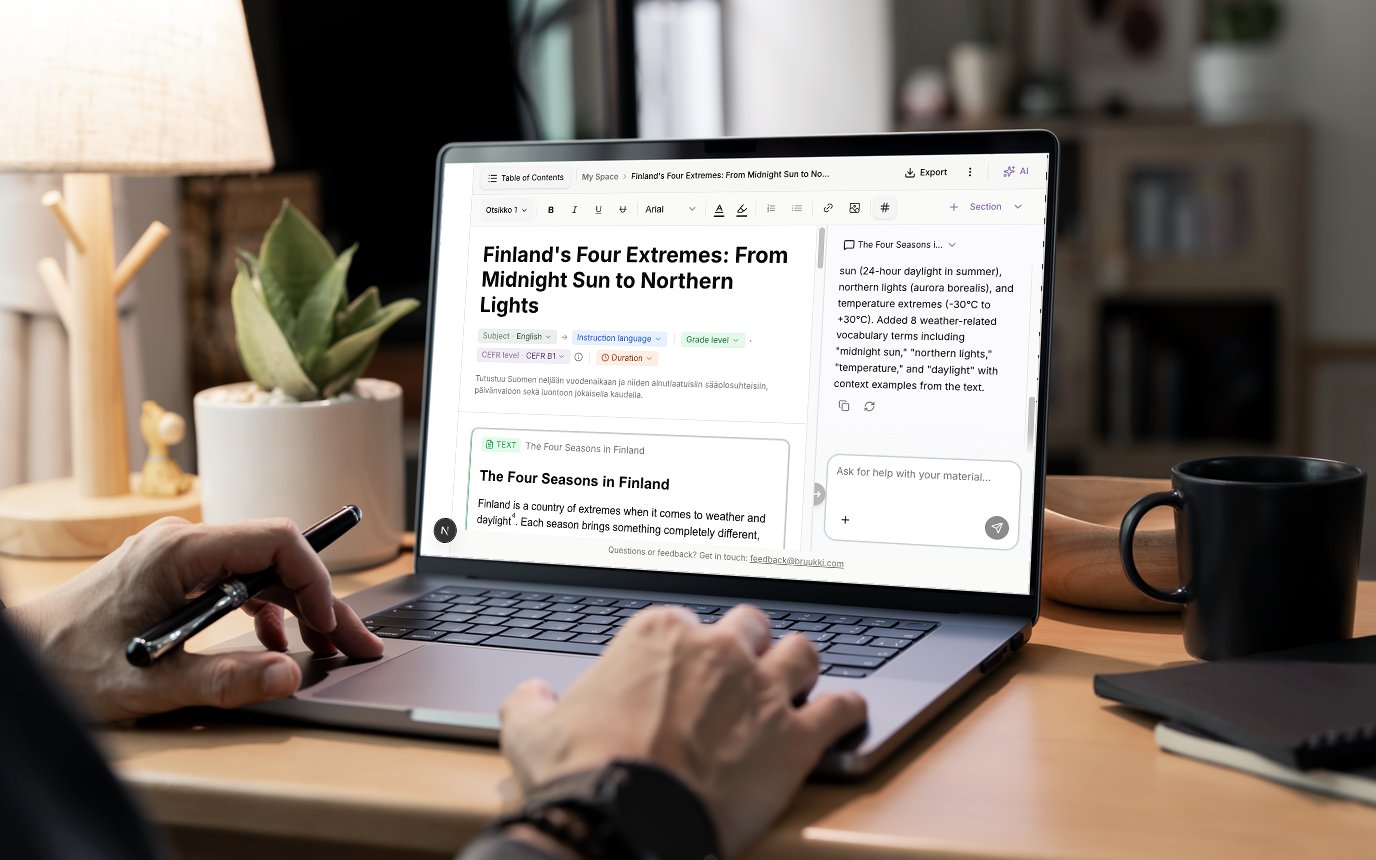
Describe the topic and level in a sentence. In under a minute you have a draft of exercises, which you then shape in the editor.
At each pupil's level
The same material at three levels, up and down: easy, standard and challenging, or CEFR levels in languages. The practice fits the pupil in front of you, without three versions by hand.
Your worksheets, turned into new practice
Upload an existing Word or PDF worksheet. Bruukki recognises the content, and you turn it into new exercises, update the dated parts or translate it. Years of your own material do not stay in the drawer.
You stay in charge
You accept, edit or reject every suggestion. The material is yours, and your data is stored in the EU.
How a session prep works
- 1
Start from what you have
Upload a worksheet as Word or PDF, or describe the topic and level in a sentence.
- 2
Get a draft
Bruukki suggests exercises and a structure for the session.
- 3
Set the level
Make an easier or a more demanding version for the pupil you are working with.
- 4
Take it to the session
Edit in the editor, then print it as PDF or Word, or send a link that opens in the browser without signing in.
What tutors ask
What does Bruukki cost?
The free plan is enough to start. Pro costs €5.99 a month, billed yearly.
Is the free plan really free?
Yes. You sign up yourself, with no credit card. The free plan includes generous AI use and all AI features, and it is not a time-limited trial that ends at a paywall. Pro gives unlimited use.
Can I use my own worksheets?
Yes. Upload a Word or PDF file and Bruukki recognises the content. From there you create new exercises, update the material or make versions at different levels. Use files you have the right to use, such as your own worksheets and notes.
Who owns the material I make?
You do. No copyright is transferred to Bruukki, in whole or in part. Under the Terms of Service you own the materials you make, and Bruukki only receives a limited licence needed to provide the service: to store your material, back it up and show it to the people you share it with.
Does the material match the GCSE or 11+ specifications?
Bruukki does not guarantee that a material matches an exam board specification. You know what your pupil is working towards: you set the topic and level, and you check every suggestion before it reaches the pupil.
Does my pupil need an account?
No. You use Bruukki; your pupil gets the material on paper, as a PDF or Word file, or as a link that opens in the browser without signing in.
Start for free
Prepare your next tutoring session in Bruukki. Pro gives unlimited use when you need more.
No credit card needed