AI built for the teacher's work week
Curriculum context, sharing, and exports built around how teachers actually work.
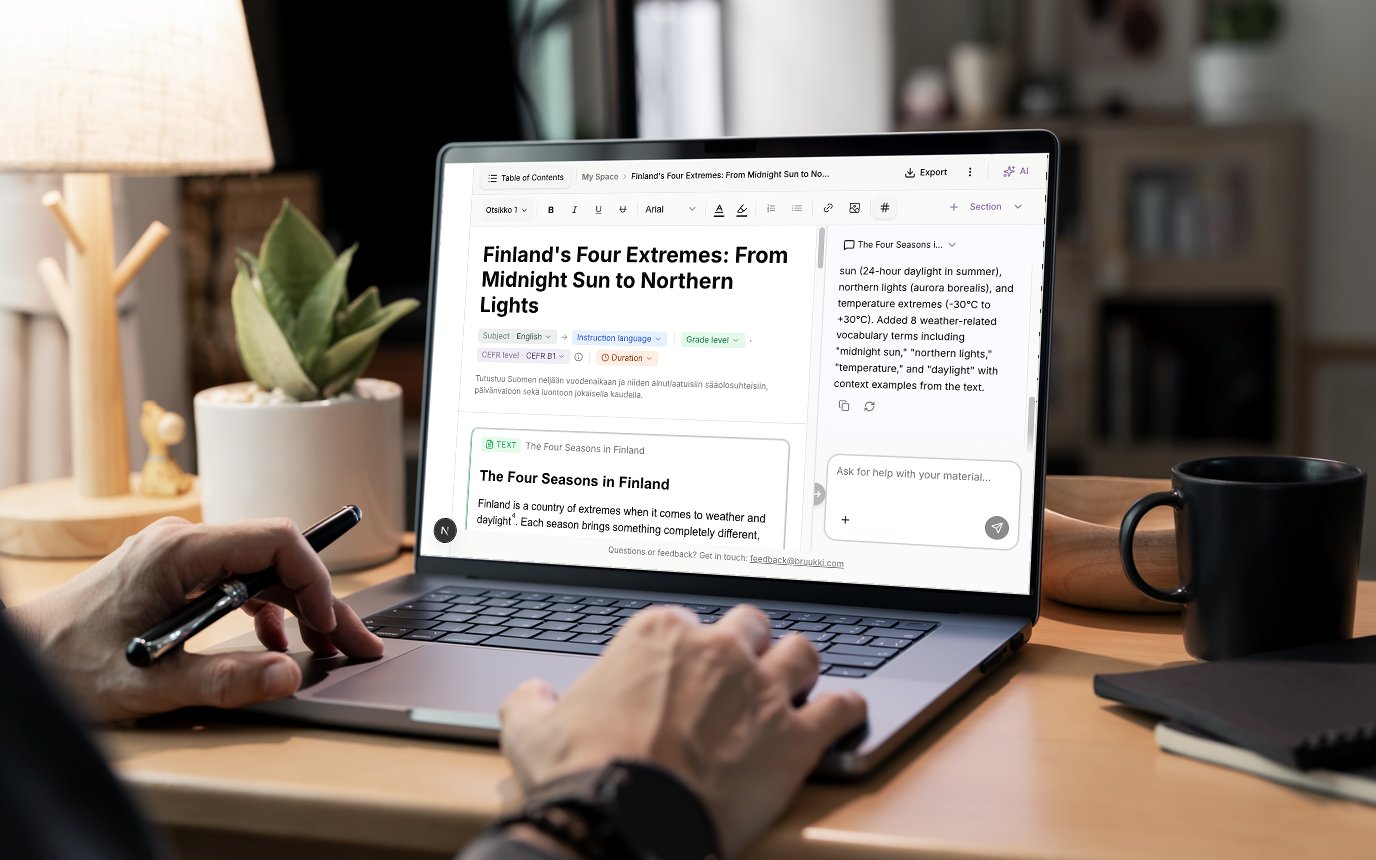
AI writing assistant
AI creates drafts based on your instructions. You finalize, review, and decide.
Teamspaces
Share materials within a subject group, across your school, or beyond. Open or private, you decide.
Listening exercises
Create authentic listening exercises in the language, voice, and accent of your choice. AI writes the dialogue and converts it to speech.
Fill-in-the-blank
Write a sentence and choose the blanks, or let AI create the whole exercise. Edit the answers and export it to Moodle in Cloze format.
Differentiation
The same material at different skill levels, in one click.
Math formulas
Write mathematical formulas directly into your material. Add a formula inline or as its own block and edit it in the editor.
Import your materials
Upload an existing Word or PDF file. Bruukki recognizes the content and helps you create new exercises, differentiate, or translate.
Image to exercise
Take a photo of anything. Bruukki analyzes the content and creates exercises, stories, or reading comprehension tasks.
Share with students by link
Share the finished material as a link that opens in the student's browser, no sign-in needed. The student needs no account.
Export as document
PDF or Word in one click.
Export to your LMS
Send directly to Google Classroom, Teams, or Moodle.
From idea to finished material in minutes
- 1
Write a description
Tell us what you need: topic, grade level, and material type.
"Vocabulary test on winter words, grade 4" - 2
AI creates a draft
Bruukki creates the word list, exercises, and structure.
Vocabulary · Fill in · Match · Image - 3
Edit and finalize
Add, remove, or modify. The pedagogical decision is always yours.
Edit directly in the editor - 4
Export or share
Print as PDF, export to Google Classroom, or share with a colleague in a teamspace.
PDF · Word · Classroom · Teams
AI suggests. You decide.
Tell Bruukki what you need. It suggests structure, text, and exercises. You review every suggestion, adjust the wording, and add your expertise.
- Write a short description, get a draft back
- Suggests vocabulary, exercises, and structure
- You approve or reject each suggestion
Build a shared material library with others
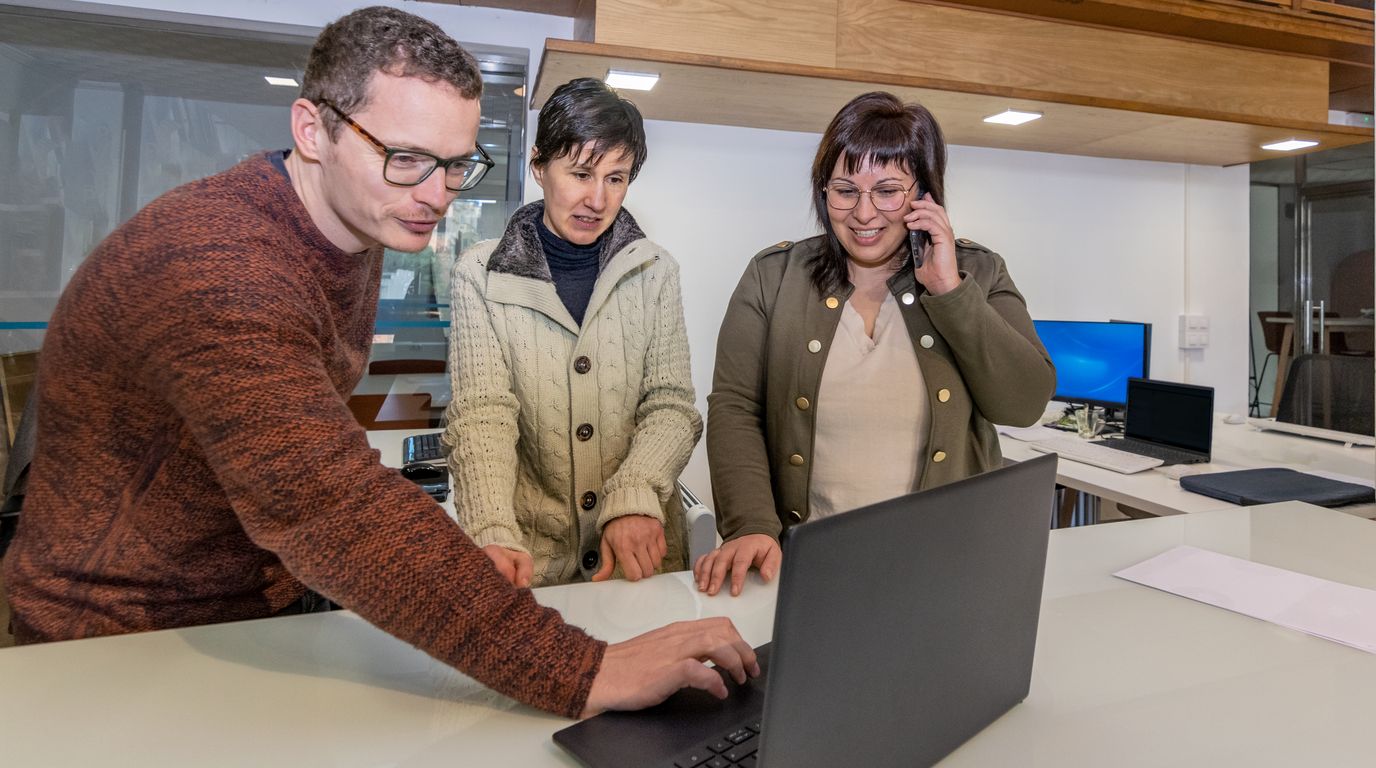
Create a teamspace for your department, your grade level, or a group across schools. Share materials, copy them, adapt them.
- Create a teamspace for your department or grade level
- Invite colleagues with a shareable link
- Build a shared library that benefits everyone
- Copy any shared material into your space and adjust it
Try Bruukki.
Free for US classrooms.
Free to start. No credit card. No district account needed.
Try for free